From meeting to action: Turn conversations into tasks with Moduvo
Stop taking notes during meetings. Let AI transcribe, extract tasks, and organize everything automatically.

Vít Bilinec
Founder/CEO · November 5, 2025 · 4 min read
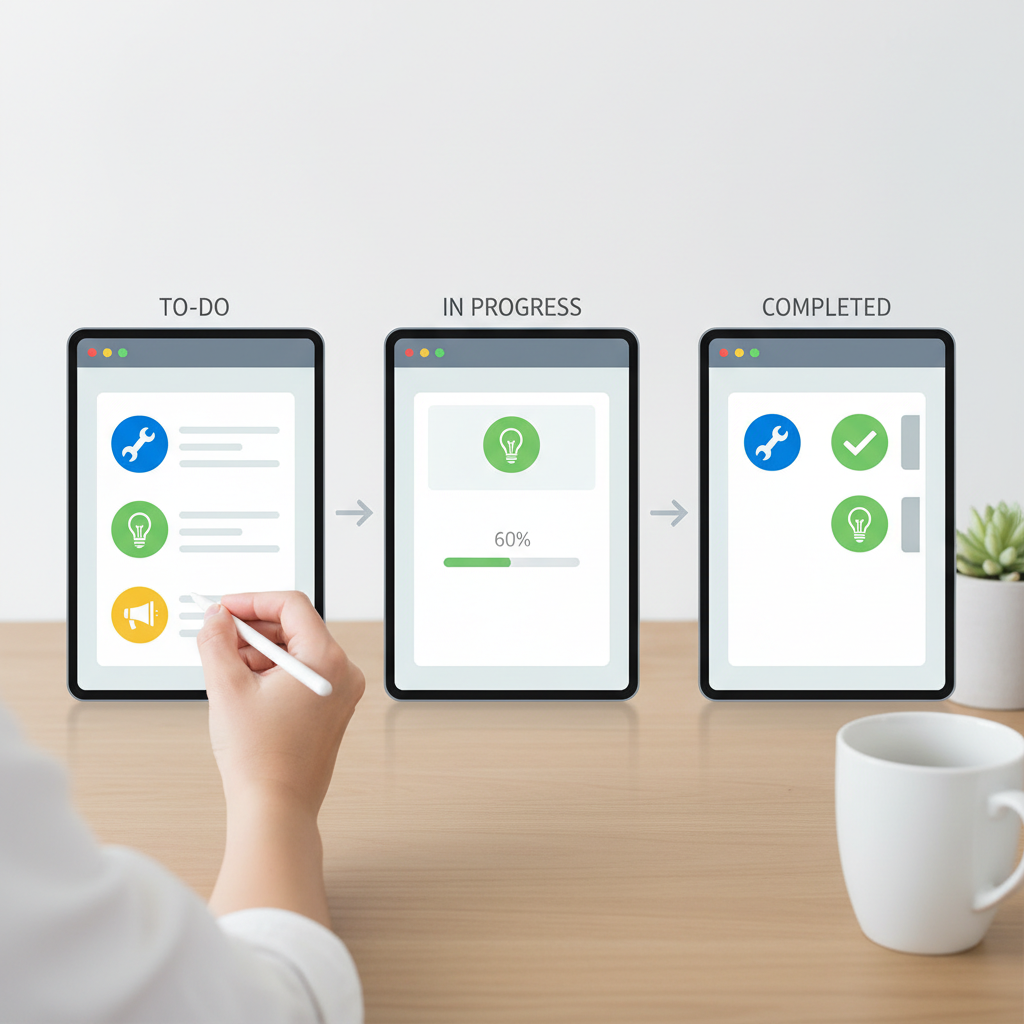
From meeting to action: Turn conversations into tasks in seconds
Stop taking notes during meetings. Let AI transcribe, extract tasks, and organize everything automatically.
The meeting struggle we all know too well
We've all been there. You're in an important meeting — a project kickoff, a client call, or a team sync — and you're trying to:
- 📝 Take detailed notes
- 👂 Listen actively to the conversation
- 🎯 Identify action items and deadlines
- 👥 Catch who's responsible for what
- 💭 Actually contribute to the discussion
It's exhausting. And by the end, you're left with messy notes, missed details, and the tedious task of manually creating tasks for everyone.
There's a better way.
The solution: A 3-module workflow that runs on autopilot
Moduvo gives you a simple, powerful workflow that transforms any meeting recording into organized, actionable tasks — in a blink of an eye.
Here's the complete process:
- 🎙️ Record your meeting (or upload an existing recording)
- 📝 Auto-transcribe with Meeting Transcriber
- ✨ Extract tasks automatically with Task Extractor
- ✅ Save and manage in Task Manager
No manual note-taking. No missed action items. No wasted time.
Let's walk through exactly how it works.
Step 1: Record & transcribe your meeting
During your meeting, you don't need to take any notes. Just make sure you're recording (most video call platforms have this built-in).
After the meeting ends:
- Open the Meeting Transcriber module in Moduvo
- Upload your recording (supports audio and video files)
- Select your language (we support many languages including English, Spanish, French, German, and more)
- Click "Transcribe"
The AI will process your recording and deliver a complete transcript with:
- ⏱️ Timestamps for every line of dialogue
- 🎯 High accuracy even with accents or background noise
The entire process usually takes just a few seconds, depending on the file size.
Step 2: Extract tasks automatically
Now comes the magic.
Once you have your transcript:
- Copy the full transcript from Meeting Transcriber
- Open the Task Extractor module
- Paste the transcript and click "Extract Tasks"
The AI analyzes your meeting transcript and automatically identifies:
- ✅ Task titles — clear, actionable descriptions
- 👤 Assignees — who's responsible for each task
- 📅 Due dates — deadlines mentioned in the conversation
- 🎯 Priority levels — based on urgency cues in the discussion
In seconds, you'll see a clean list of all action items that came out of your meeting.
Step 3: Save & manage in one click
Review the extracted tasks and make any quick adjustments if needed (though the AI is remarkably accurate).
Then simply:
- Click "Save to Task Manager" for each task (or save them all at once)
- Done — all tasks are now organized in your Task Manager
- Collaborate — team members can see their assignments, comment, and update progress
Your entire team now has clarity on what needs to be done, by whom, and by when — without you lifting a finger.
Real-world example
Let's say you just had a product planning meeting with your team. Here's what was discussed:
"Sarah, can you prepare the new feature mockups by Friday? And John, we need the backend API ready for testing by next Wednesday. Also, let's schedule a follow-up meeting for next Monday to review progress."
After running this through the workflow, you'd automatically get:
Task 1:
- Title: Prepare new feature mockups
- Assignee: Sarah
- Due date: Friday
- Priority: Medium
Task 2:
- Title: Complete backend API for testing
- Assignee: John
- Due date: Next Wednesday
- Priority: High
Task 3:
- Title: Schedule follow-up meeting
- Assignee: (you)
- Due date: Next Monday
- Priority: Medium
All organized, all ready to go. Zero manual work.
Why this changes everything
⚡ Instant automation
What used to take significant manual work now happens automatically.
🎯 Never miss an action item
AI catches everything — even the tasks mentioned in passing that you might have missed.
👥 Automatic assignment
No more confusion about who's doing what. Everyone knows their responsibilities immediately.
📅 Built-in deadlines
Dates mentioned in the conversation are automatically captured and set as due dates.
💬 Complete context
The full transcript stays linked to the tasks, so you always have the complete context if you need to reference it later.
🤝 Better collaboration
Your entire team gets instant clarity on next steps without lengthy email threads or follow-up questions.
Try the workflow yourself
This three-module workflow is available to all Moduvo users. Here's what you'll need:
Meeting Transcriber — Upload and transcribe meeting recordings
Task Extractor — AI-powered task extraction from any text
Task Manager — Organize, assign, and track all your tasks
All three modules work together seamlessly, but each one is also powerful on its own.
Get started in minutes
Ready to stop taking meeting notes forever?
- Sign up for Moduvo (free 14-day trial, no credit card required)
- Activate the three modules from the Module Shop
- Upload your first meeting recording and watch the magic happen
Welcome to the future of meeting productivity.