SMS Notifications Are Here — Stay on Top of Your Day Without Opening Moduvo
Real text messages for daily tasks and event reminders — no app needed

Vít Bilinec
Founder & CEO · March 26, 2026 · 3 min read
SMS Notifications Are Here — Stay on Top of Your Day Without Opening Moduvo
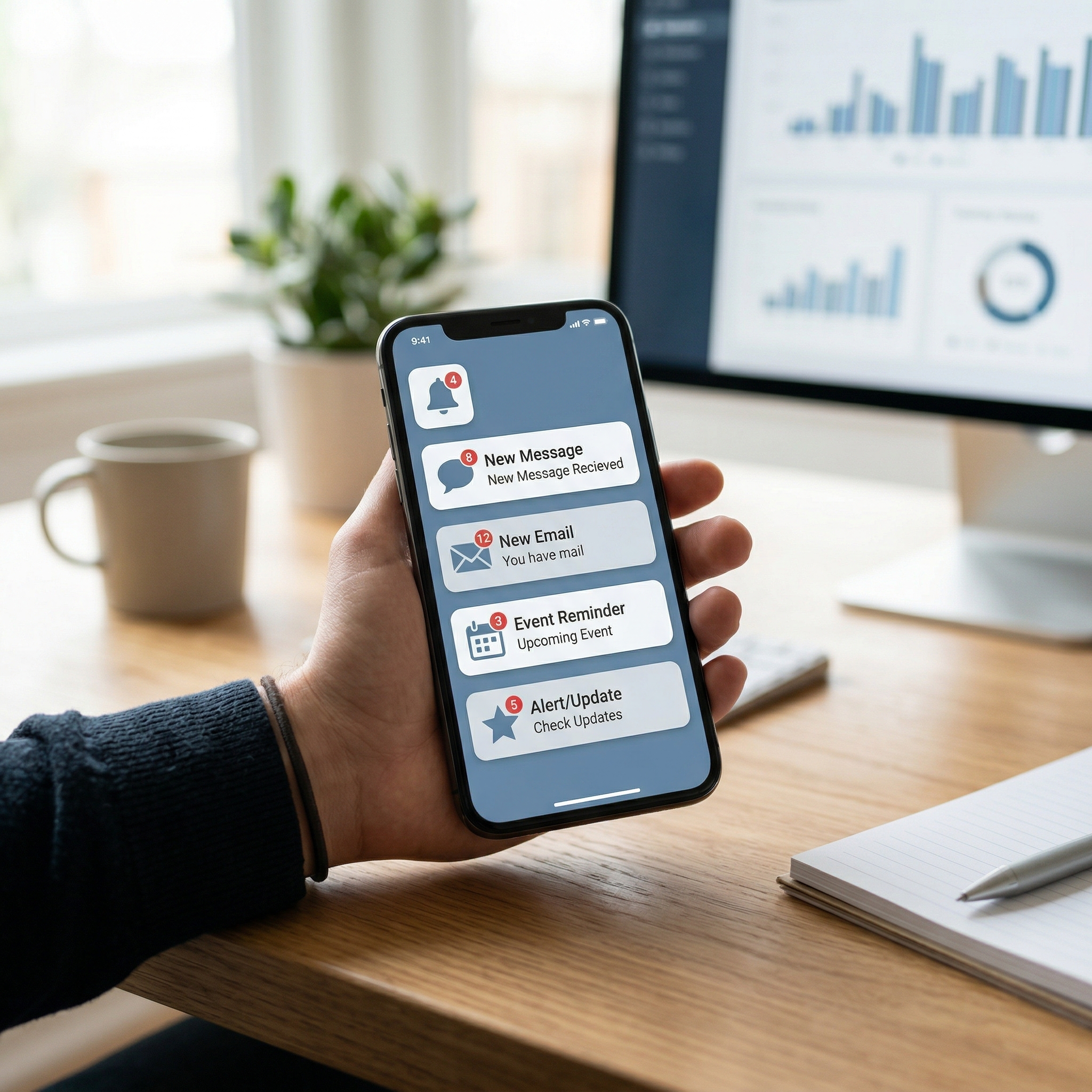
Never miss a task or meeting again. Moduvo now supports SMS notifications — real text messages sent directly to your phone, so you stay informed even when you're away from your screen.
What's included
Moduvo offers two types of SMS notifications:
- Daily task SMS — Receive a text message each day with a summary of your tasks due that day. A quick glance at your phone in the morning and you know exactly what needs to get done.
- Event reminder SMS — Get a text before your upcoming calendar events. You choose the timing: 5, 10, 15, 20, or 30 minutes before, or a full hour ahead. Never walk into a meeting unprepared again.
Both notification types are completely opt-in. SMS is turned off by default — you decide when and if you want to enable it.
How to set it up
Setting up SMS notifications takes less than a minute:
- Go to your Profile page in Moduvo.
- Scroll to the SMS Notifications card.
- Toggle on Daily task SMS, Event reminder SMS, or both.
- If you enable event reminders, pick how far in advance you'd like to be notified.
- Your phone number from your profile is used by default. If you'd like notifications sent to a different number, you can set a phone override right there.
That's it. No apps to install, no integrations to configure.
Plan-based availability
SMS notifications are available on paid plans. Each plan includes a monthly SMS allowance that resets automatically. You can always see how many messages you've used this month directly in your profile — a simple progress bar keeps you informed.
If you're on the free plan, you'll see a prompt to upgrade when you visit the SMS settings.
Privacy and transparency
We take your privacy seriously:
- No marketing messages are ever sent through this system.
- Standard carrier messaging rates may apply.
- Message frequency depends entirely on your own task and event schedule.
- You can disable SMS at any time with a single toggle.
Why we built this
Moduvo is designed to help professionals stay focused and organized. Email digests are great, but sometimes a quick text message is the fastest way to stay on track — especially when you're between meetings, commuting, or simply away from your laptop.
SMS notifications are a natural extension of our existing email reminders, giving you one more way to make sure nothing slips through the cracks.
Get started
To enable SMS notifications, head to your Profile page and look for the SMS Notifications card. If you're not on a paid plan yet, check out our Pricing page to see which plan fits your workflow.